
Invoices as PDF and by e-mail, straight from Shipard
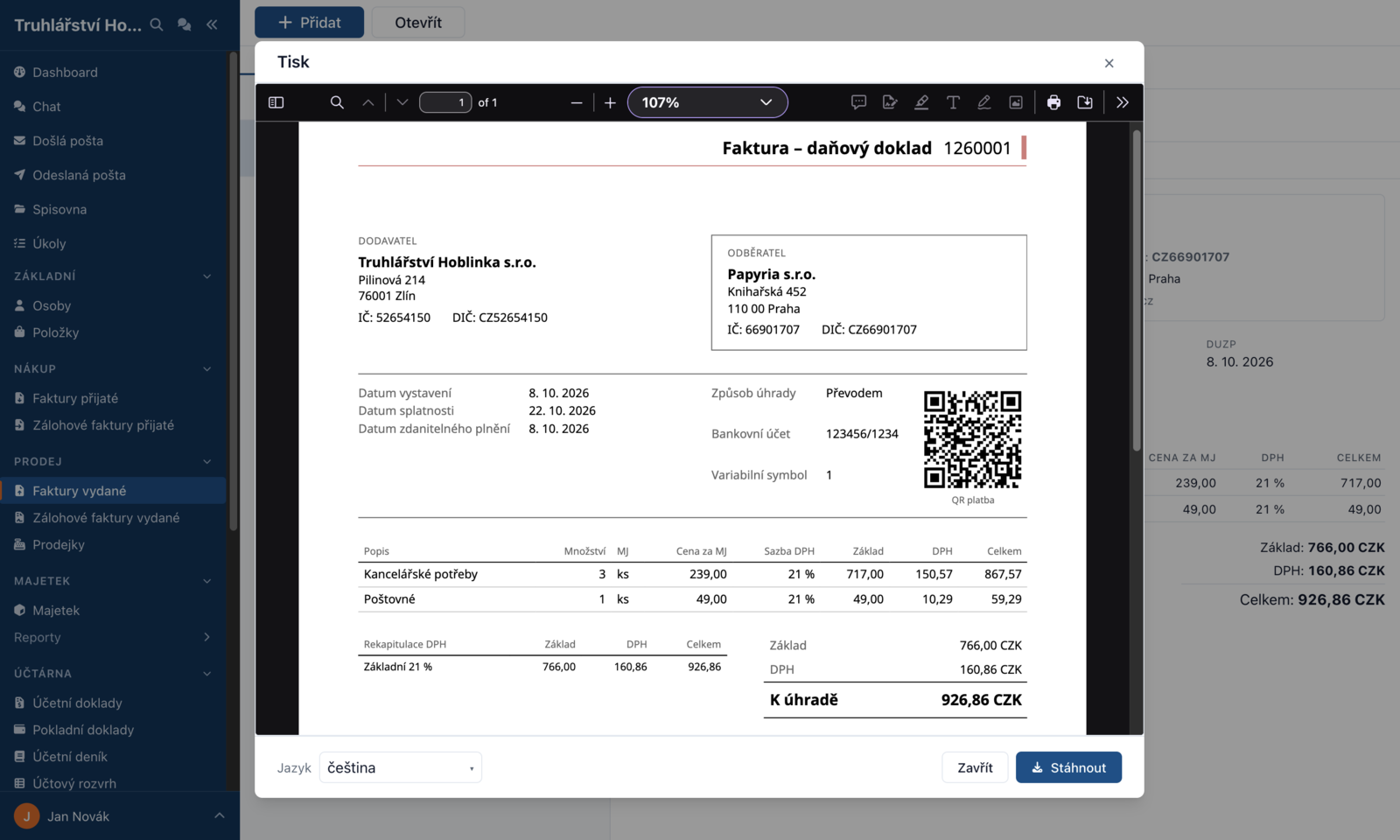
An issued invoice no longer ends up just sitting in the records. Download it as a PDF with a QR payment code, or send it to your customer by e-mail with the Send button — in Czech, English, Slovak or German, depending on the customer's settings. The same goes for advance invoices, cash desk receipts and sales receipts. Put your logo and company colour in the header and your own texts on the document and in the e-mail. Whatever was sent is in Sent messages. Before you send your first document, set the sender address in the settings — see What it does.
Related issues: shipard/shipard#90, shipard/shipard#94, shipard/shipard#79